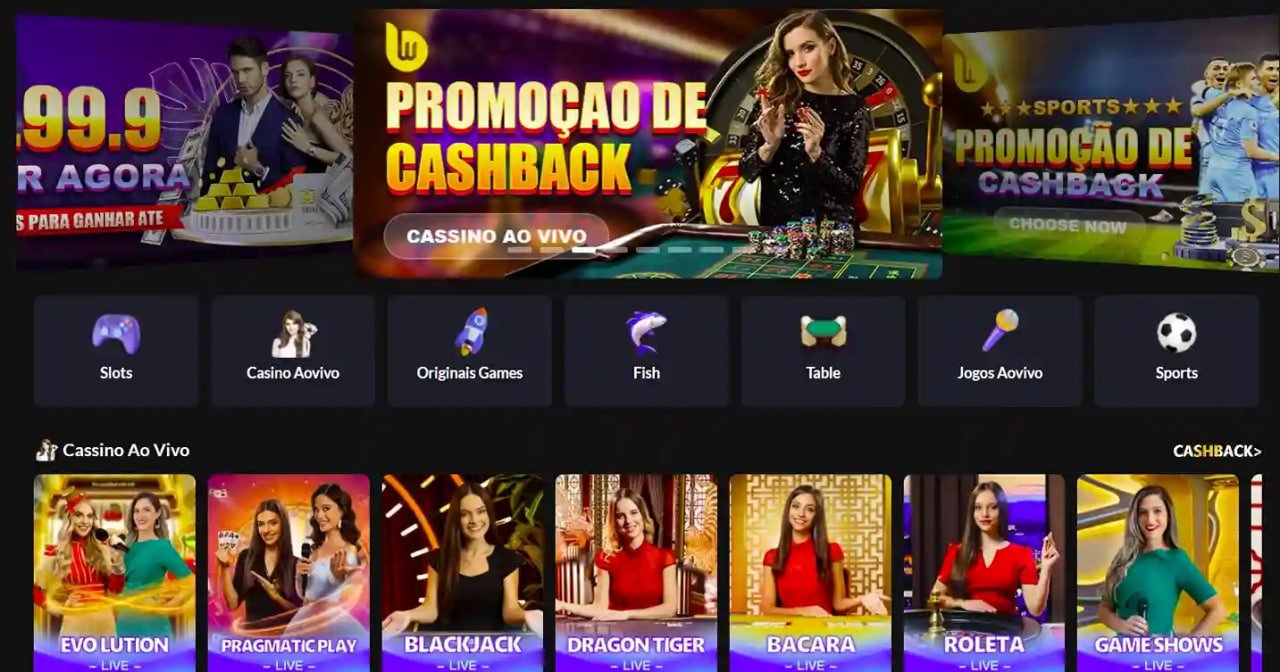
The ar9999 app brings every game, every sport and every payment option to your Android or iOS device. Install in minutes, deposit in PKR and get straight into your session without opening a browser.
Choose Your Download Option
ar9999 is available on Android via direct APK download and on iOS through the mobile web app. Both options give you full access to every feature on the platform.
Download the ar9999 APK file directly to your Android phone. The install takes under a minute and works on virtually all Android devices running version 5.0 or higher. No Play Store required.
iPhone and iPad users can add ar9999 to their home screen as a web app that behaves like a native application. Full screen, fast loading and no App Store restrictions – just open Safari and follow the install steps.
Prefer not to install anything? The ar9999 platform is fully optimised for mobile browsers on both Android and iOS. Open Chrome, Firefox or Safari, visit ar9999.onl and play instantly – no download required at all.

Installing the ar9999 APK on Android is a straightforward process that takes under two minutes even on a slower mobile data connection. The file is lightweight and the steps below walk you through exactly what to do if you have not installed an APK from outside the Play Store before. This is completely normal practice for gaming apps in Pakistan and millions of users do it regularly.
Open your phone's Settings, go to Security or Privacy, and enable "Install from Unknown Sources" or "Allow this source" for your browser. On Android 8 and above, you will be prompted to grant this permission directly when you attempt the install rather than needing to change a global setting in advance.
Tap the Download Android APK button on this page. Your browser will download the APK file – typically around 5 MB – directly to your phone's Downloads folder. The download completes in seconds on a standard 4G connection.
Pull down your notification shade and tap the completed download, or open your Files or Downloads app and locate the ar9999 APK. Tap the file to begin the installation process. Your phone will show you a permissions summary before proceeding.
Tap the Install button on the system prompt. The ar9999 app installs in a few seconds. You do not need to restart your phone. Once the install completes, you will see an Open button – tap it to launch the app immediately.
If you already have an ar9999 account, enter your credentials and you are straight into the platform. If you are new, tap Register and complete the quick sign-up to get your account active. Deposit via JazzCash, Easypaisa, Raast or bank transfer and your PKR balance is available instantly.
iOS users on iPhone or iPad cannot install a traditional APK, but ar9999 provides a fully optimised web app experience that is added directly to your home screen from Safari. Open Safari on your iPhone and visit ar9999.onl. Once the page loads, tap the Share icon at the bottom of your screen – it looks like a box with an arrow pointing upward. In the menu that appears, scroll down and tap "Add to Home Screen". Give it a name if you like, then tap Add. The ar9999 icon will appear on your home screen just like any other app and opens in full-screen mode without browser navigation bars.
This approach works on iOS 13 and above, which covers virtually every iPhone currently in use in Pakistan. The experience is very close to a native app – full screen, fast loading, and you do not need to navigate through Safari each time you want to play. Updates happen automatically because the app is always pulling the latest version of the ar9999 platform when you open it.
Using the ar9999 mobile browser works perfectly well and many players prefer it for casual sessions. But the dedicated app has a few practical advantages that make it worth having installed, especially if you play regularly.
The app maintains a more consistent connection during active game sessions. For slots bonus rounds, live casino tables or in-play cricket betting during a PSL match or T20 international, a brief mobile browser refresh can interrupt the session at the worst possible moment. The app handles reconnection more gracefully and keeps your session alive when you switch between apps on your phone.
Push notifications are available through the app and not the browser. ar9999 sends notifications for deposit bonuses, new game launches, promotional periods and live betting opportunities for Pakistan cricket and PSL fixtures. If you follow cricket closely and want to know the moment a live betting window opens for a T20 match, the app notification is faster than checking manually.
The app also loads faster on repeat visits because the core interface assets are cached locally on your device rather than being fetched from the server every time. On a busy mobile data connection, this makes a noticeable difference to how quickly you get from opening the app to being in your chosen game.
The ar9999 app is designed to work across a wide range of devices, not just the latest flagship smartphones. Pakistan has a very diverse device landscape and the ar9999 development team has put real effort into ensuring the app runs reliably on older mid-range Android handsets that are common across the country, not just on premium devices.
For Android, the minimum requirement is Android 5.0 (Lollipop), which was released in 2014. This means the vast majority of Android phones currently in use in Pakistan can run the app without any hardware upgrade. The app is also optimised for lower RAM devices – it manages memory efficiently so it does not cause your phone to slow down or heat up during a typical session.
For iOS, the web app approach means compatibility is determined by the Safari browser version rather than a native app requirement. iOS 13 and above is recommended for the best experience, with full-screen home screen installation working correctly on those versions. Older iOS versions can still access ar9999 through Safari but may not support the Add to Home Screen full-screen mode.
The ar9999 platform also works on tablets – both Android tablets and iPad. The layout adapts to larger screens appropriately, making tablet sessions particularly good for live casino games and watching live cricket odds update during a match.
The ar9999 APK is approximately 5 MB – it downloads in seconds even on a standard 3G or 4G mobile data connection and does not use significant storage on your phone.
The ar9999 APK is sourced directly from the official platform. Enabling unknown sources for a single trusted APK is standard practice for gaming apps across Pakistan.
Get notified when new bonuses are available, when live PSL or T20 cricket betting opens, and when your withdrawal is processed – all via app push notifications.
All deposits and withdrawals in the ar9999 app operate in PKR. JazzCash, Easypaisa, Raast and bank transfer are all available directly within the app interface.
The ar9999 app checks for updates automatically each time it launches. You always have the latest features and security patches without needing to manually reinstall.
The in-app live chat support connects you to the ar9999 support team directly. No need to switch to a browser – help is available from within the app itself.

What You Get Inside the ar9999 App
The app is not a stripped-down version of the website. Every section of the ar9999 platform is available in full.
All 500+ slot titles including Megaways, progressive jackpots, classic reels and buy-bonus games are available with identical mechanics and RTP figures to the desktop version.
Live baccarat, roulette, blackjack and game show titles with real dealers streamed in HD. The app handles the video stream efficiently on mobile data.
Cricket, PSL, T20 internationals, football and esports all available with pre-match and live in-play betting. Odds update in real time in the app.
The full ar9999 fish game catalogue is playable on the app with smooth touch controls. Shoot, aim and collect rewards on a mobile-optimised interface.
JazzCash, Easypaisa, Raast and bank transfer deposits all work within the app. Submit a withdrawal and track its status without leaving the app.
View your balance, transaction history, active bonuses and VIP tier status directly from the app's account section. Everything is in PKR with no conversion needed.
App vs Browser – Quick Comparison
Not sure whether to download the app or just use the mobile browser? Here is a direct comparison of both options on ar9999.
| Feature | Android App | iOS Web App | Mobile Browser |
|---|---|---|---|
| Full game library access | ✓ Yes | ✓ Yes | ✓ Yes |
| PKR deposits in-app | ✓ Yes | ✓ Yes | ✓ Yes |
| Push notifications | ✓ Yes | ✓ Yes | ✗ No |
| Home screen icon | ✓ Yes | ✓ Yes | ✗ No |
| Faster repeated load time | ✓ Yes | ✓ Yes | ✗ Slower |
| Session stability (reconnect) | ✓ Better | ✓ Better | ✗ Standard |
| Installation required | ✗ Yes (APK) | ✓ Add to Home Screen only | ✓ None |
| Auto-updates | ✓ Automatic | ✓ Automatic | ✓ Always latest |

Download FAQ
Common questions from ar9999 users in Pakistan about downloading and installing the app.
Play Responsibly. The ar9999 app is for adults aged 18 and above only. Set a PKR session budget before you start and treat gaming as entertainment. Visit our Responsible Gaming page for self-management guidance.